Processing a return
Handle a customer returning or exchanging something they bought.
Use Sale Returns when a customer brings something back.
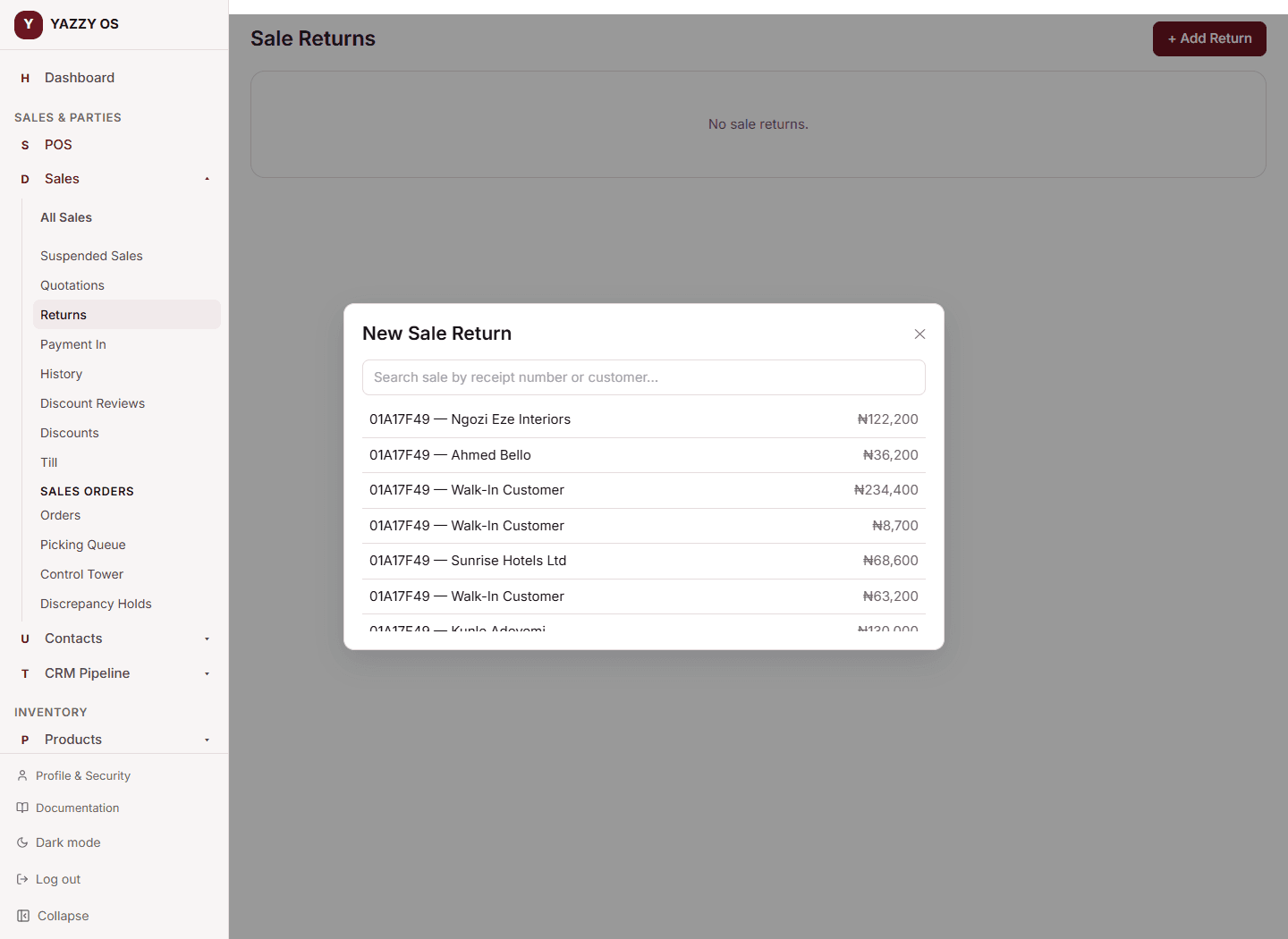
- From the Sales Menu, select Returns.
- Select + Add Return.
- Search for the original sale by receipt number or customer name and select it.
- For each item being returned, enter the return quantity — you can see how many were sold and how many have already been returned on that sale.
- Enter a Reason for the return.
- Choose a Refund method — Cash, Card, or Store credit.
- Select Process Return.
The returned quantity goes back into stock at the branch the sale was made from, and the return is logged against the original sale.
Returns are how you correct a completed sale
A completed sale can't be edited, so a mistake on it (wrong item, wrong quantity, wrong price) is corrected with a return, not by changing the sale. That way your stock, your books and the customer's record always show exactly what happened.
What happens to the money
When you save the return, YAZZY OS works out the refund for you:
- The refund per item is the price the customer actually paid — after any discount on the sale was spread across its lines — times the quantity coming back. You don't type an amount.
- Only what the customer has actually paid is refunded in cash or by card. If the original sale was part-paid (a credit sale), the refund is split in proportion: the paid share goes back by the Refund method you chose, and the unpaid share is a credit note that reduces what the customer still owes — no money changes hands for that part.
- Store credit doesn't move cash at all; it's recorded as credit the customer can use later.
- The accounting entries are posted automatically, and the return gets its own return number (see Settings → Prefixes).
You can't return more of an item than was sold, and a sale can be returned in more than one go — each return shows how many were already returned.
Returning an item sold in a pack, carton or piece
The return form shows what is left to return in the unit the item was sold in (outstanding 3 Pack). Type the quantity in that unit. Returning a kit puts its parts back in stock. See Sell in cartons, packs or pieces.
Related
- Understanding stock levels across branches — a return adds the item back into stock
- Viewing your sales history and receipts
- Purchase returns — for returning something you bought from a supplier, not a customer return