Recording a credit sale
Sell to a customer now and collect payment later.
A credit sale is for a customer you trust to pay later — they take the goods today, and the amount they owe is tracked against their name until they pay.
Before you start
A credit sale always needs a named customer — YAZZY OS needs to know who owes the money. You can't run a credit sale for "Walk-In Customer." This is checked by the system itself, not just the screen: any sale where part or all of the amount is unpaid is refused without a customer, whether it's made at the till or from the Sales page.
Steps
- Go to Sales POS.
- Search for the customer in the customer field and select them.
- Add the items they're buying to the cart as usual.
- Select Credit Sale in the bottom action bar.
You can also take a part payment: select Payment details, lower the Amount paid, and the window shows the Balance due. The button changes to Finalize as credit sale — attach the customer there if you haven't already.
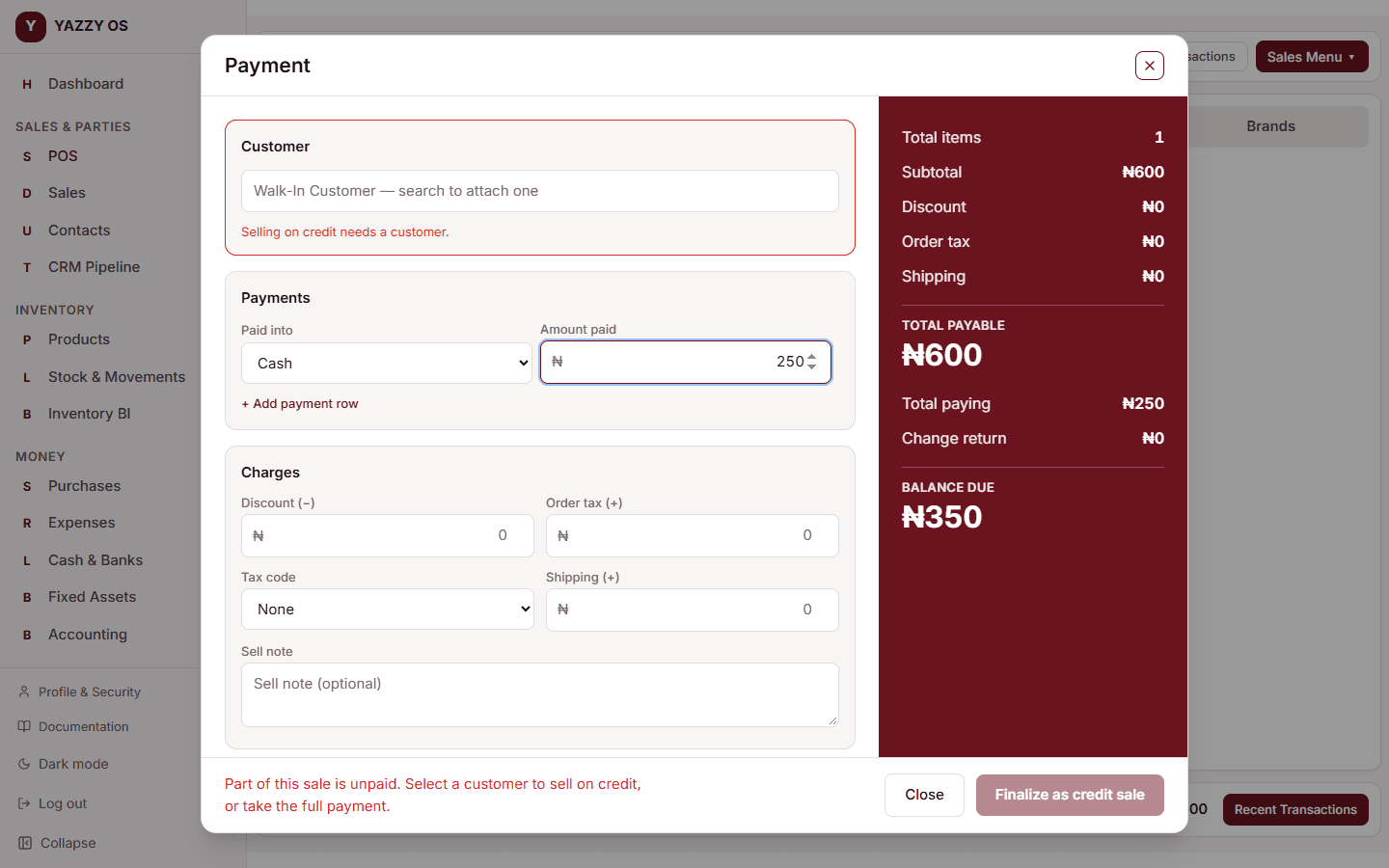
The sale completes and the stock is reduced right away, same as a cash sale — the only difference is no payment is collected at this moment. The amount owed shows up against that customer's record, and you can record their payment later from the sale's detail page.