Receiving goods and updating stock
Record what actually arrived against a purchase order — this is what updates your stock.
Your stock only increases once you record what you actually received, not when you first create the purchase order.
- Go to Purchases and open the purchase order the delivery is against.
- Select Receive Goods.
- Enter what was actually delivered for each line — this can differ from what was ordered if a supplier short-ships or over-ships.
- Confirm.
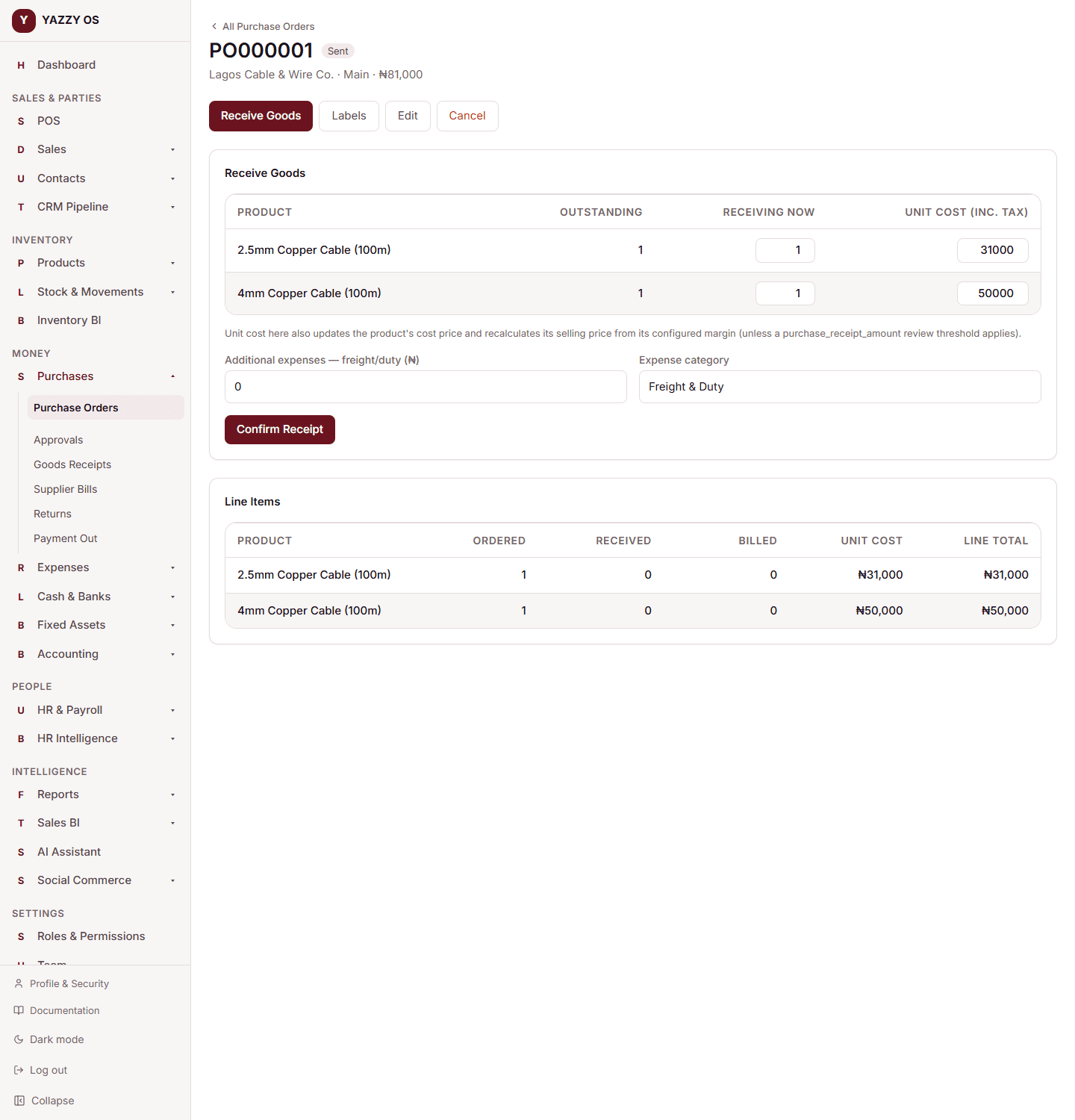
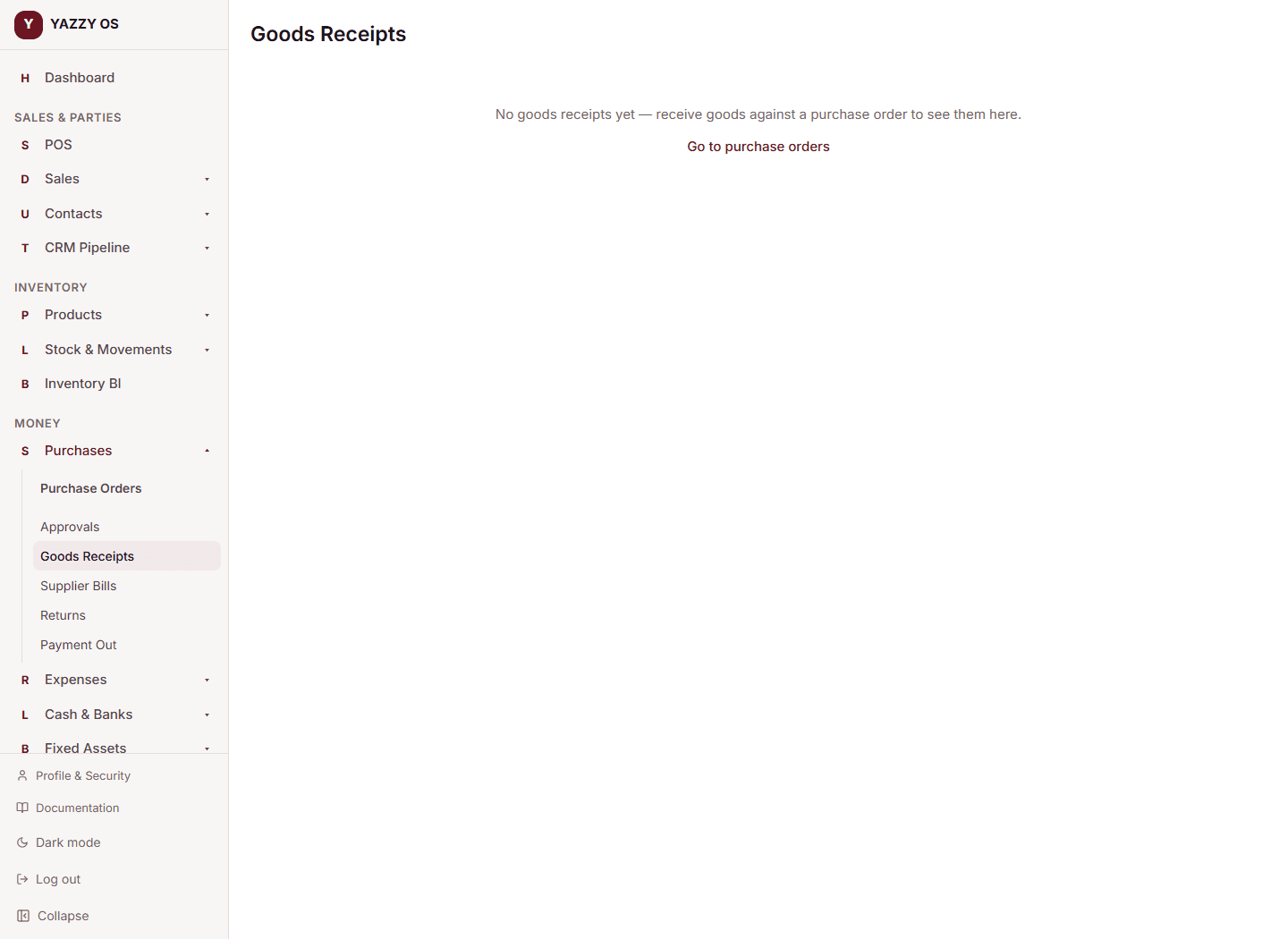
YAZZY OS adds the received quantities to stock at the purchase order's branch, and records this as a goods receipt against the order — including whether it matches what was ordered, and its landed cost. You can see every past receipt from Purchases → Receipts.
Receiving in the unit you ordered
If a line was ordered in a secondary unit (for example 40 Pack), the Receive Goods table shows Outstanding, Receiving Now and Unit Cost in that same unit, so you type what was physically counted. Stock goes up in the item's primary unit automatically (25 packs becomes 1.25 cartons). See Buy, receive and return in units.
Related
- Recording a purchase from a supplier
- Understanding stock levels across branches
- Purchase returns — if something you received needs to go back