Purchase returns
Send something back to a supplier and record the refund.
Use this when you need to send goods back to a supplier — damaged stock, the wrong item delivered, and so on. This is different from a customer bringing something back to you; for that, see Processing a return instead.
- Go to Purchases and open the purchase order the goods came in on.
- Select Purchase Return.
- Enter the quantities being returned and a reason.
- Choose a refund method.
- Confirm.
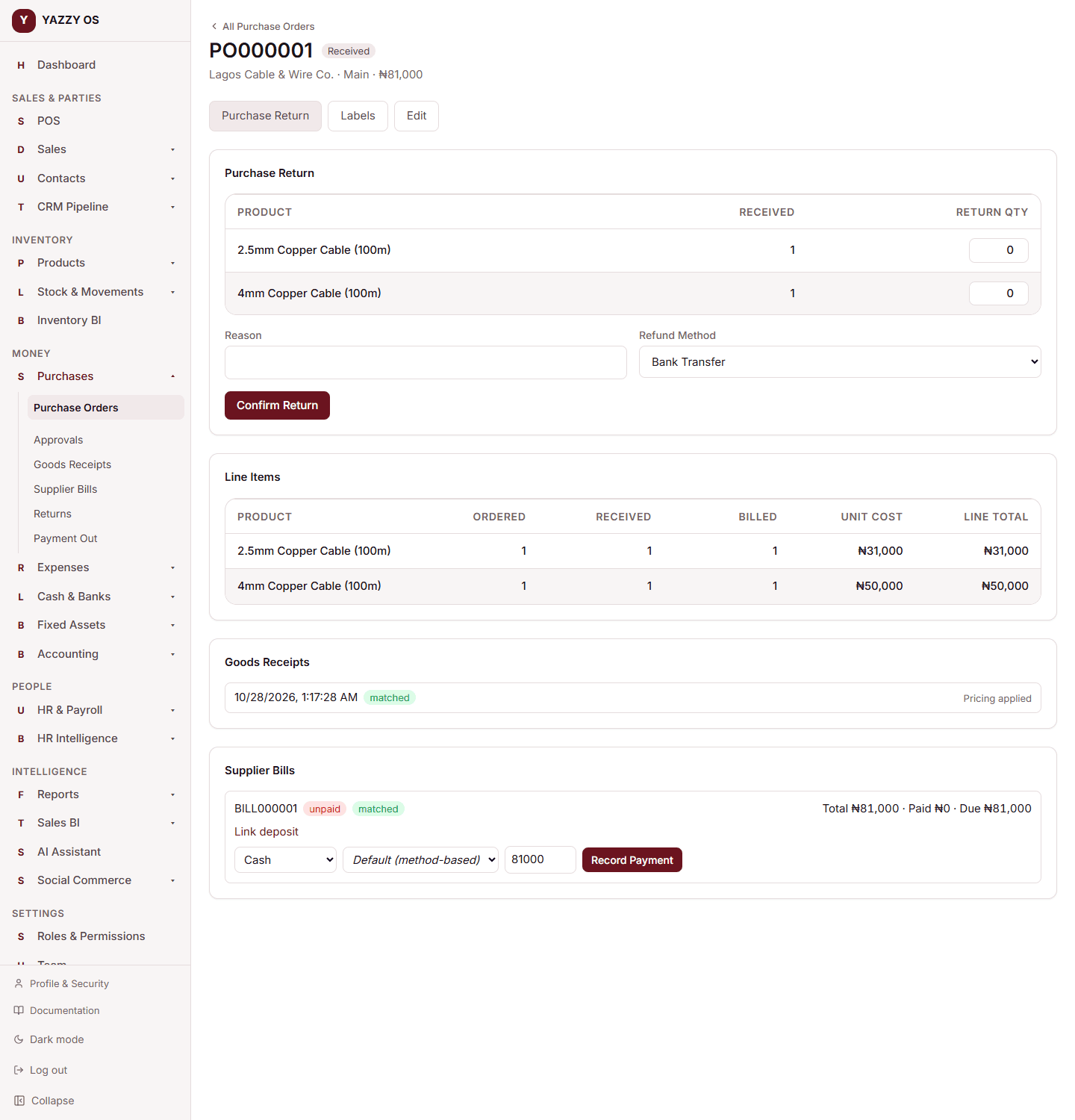
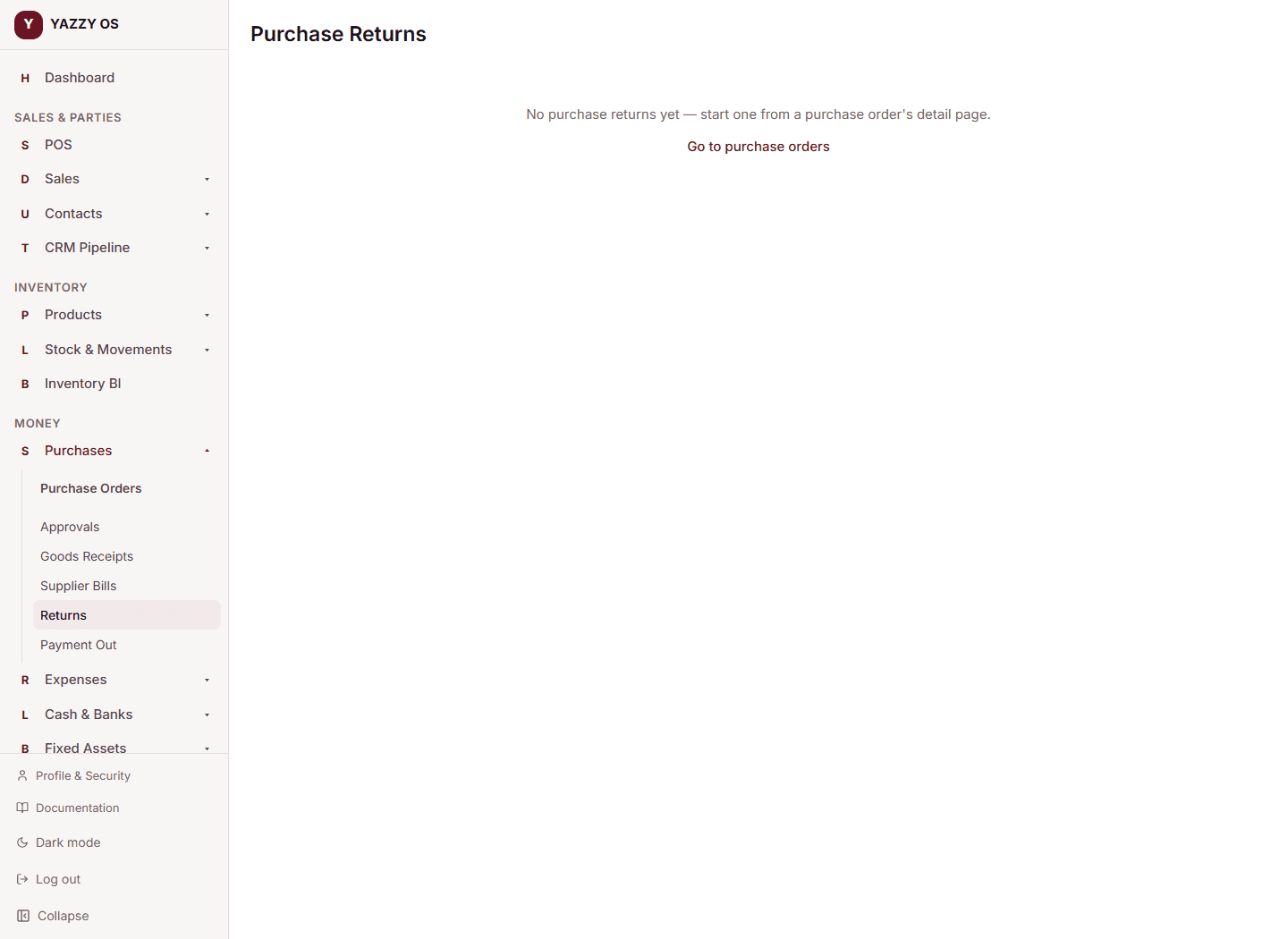
The returned quantity is removed from stock at that purchase order's branch, and the return is logged. You can see every past purchase return from Purchases → Returns.
Returning in the unit you bought in
A return to the supplier is entered in the unit the line was ordered in, so 10 packs out of 40 is typed as 10, not 0.5 carton. You cannot return more than you received. See Buy, receive and return in units.