Draft sales and quotations
Pause a sale for later, or give a customer a price estimate before they commit.
These are two different ways to hold off on completing a sale.
Suspended sales
Use this when a customer steps away, or you need to free up the till for the next person without losing what's already in the cart.
- Build up the cart as normal on the checkout screen.
- Select Suspend in the bottom action bar.
The cart clears and the sale is saved. To come back to it:
- From the Sales Menu, select Suspended Sales.
- Find the sale in the list and select Resume.
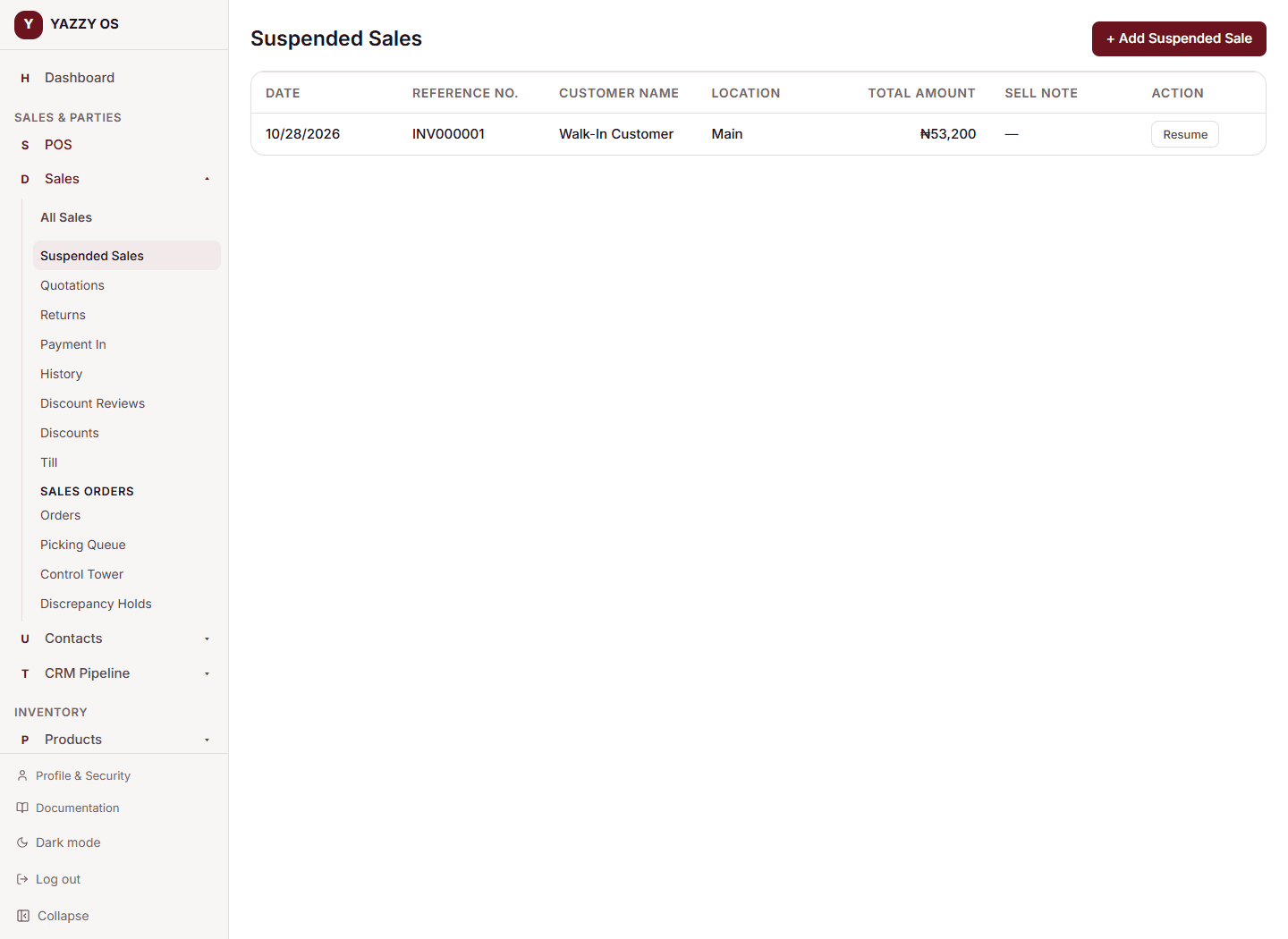
This takes you back to checkout with everything reloaded, ready to take payment.
Changing a suspended sale
A suspended sale is unfinished, so you can change anything on it: the customer, the items, quantities, prices and discounts.
There are two ways, and both save into the same suspended sale, keeping its number. Nothing is copied.
At the till: from Suspended Sales, select Resume, change the cart, and select Update draft.
In the form: from Suspended Sales, select Edit. The Add Draft form opens with everything filled in, including the addresses and notes. Change what you need and select Update draft.
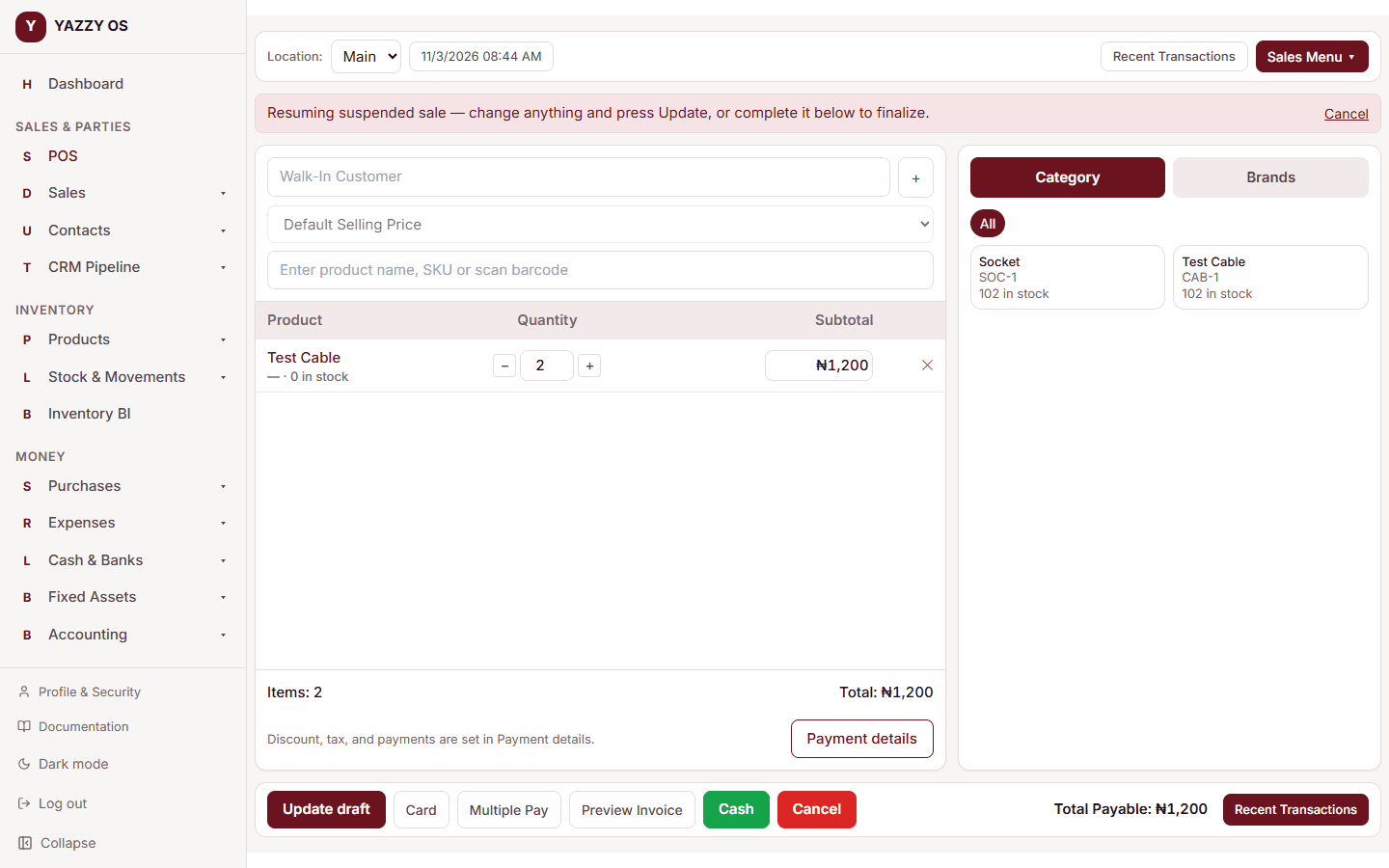
You can also just take payment after changing the cart: your changes are saved first, so what the customer pays for is exactly what's on screen.
Quotations
Use this when a customer wants a price estimate before they decide — a quotation isn't a real sale and doesn't affect your stock until it's converted.
- Build up the cart as normal, with a customer selected (quotations always need a named customer).
- Select Quotation in the bottom action bar.
To convert an accepted quotation into a real sale:
- From the Sales Menu, select Quotations.
- Find it in the list and select Convert to Sale.
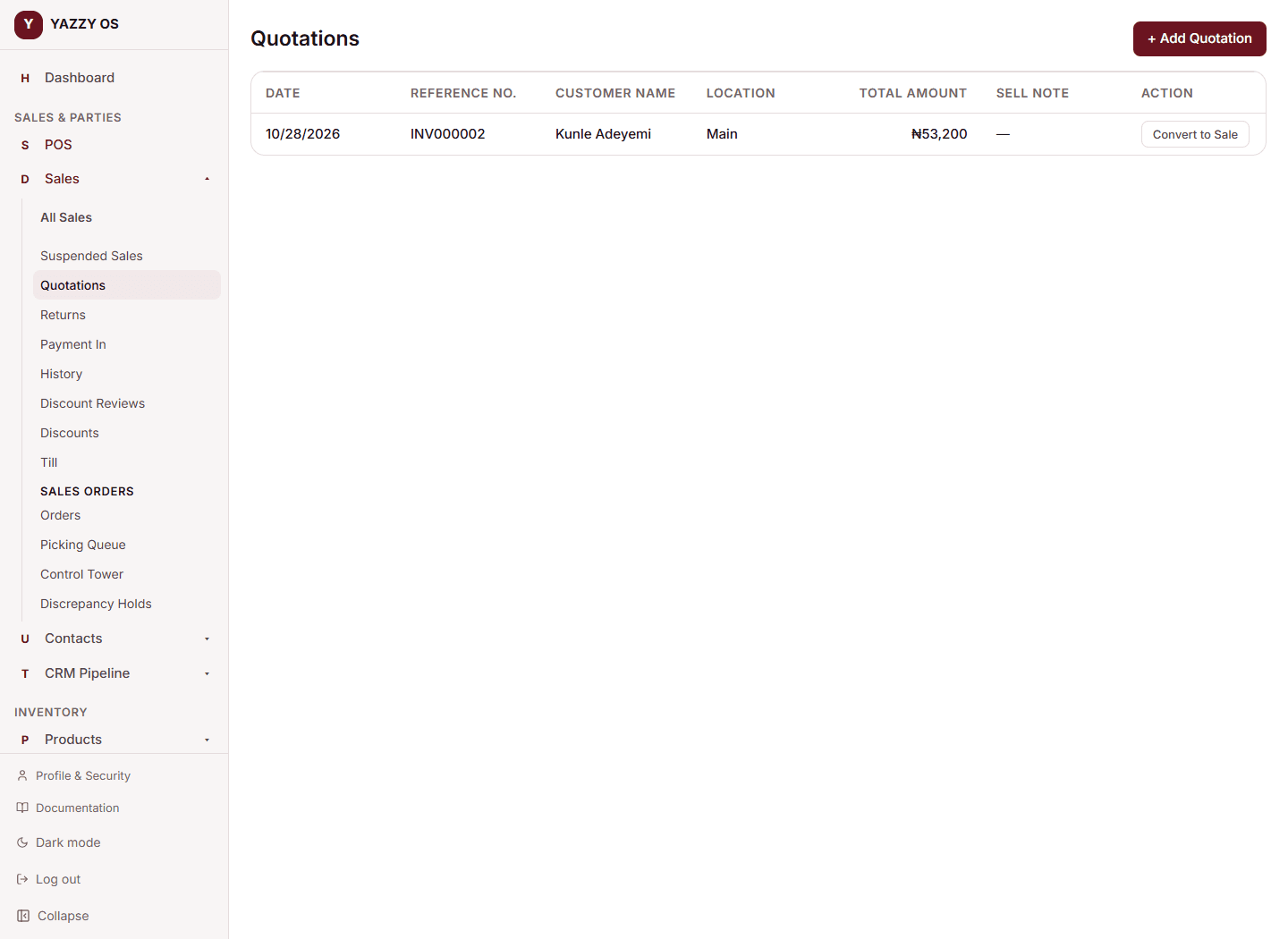
This loads it back into checkout, where you take payment like any other sale — that's the moment it actually reduces your stock.
Changing a quotation
A quotation can be changed until it becomes a sale. From the Quotations list, select Edit to reopen the Add Quotation form, or Convert to Sale to open it at the till. Either way, Update quotation saves it in place, keeping the same number.
Once a quotation is converted and paid, it is a completed sale and can no longer be edited — see below.
Completed sales can't be edited
Only unfinished sales (suspended sales and quotations) can be changed. A completed sale, a layaway in progress, or a cancelled sale is locked: its items, prices, payments and paperwork can't be edited. This keeps your stock and your books matching what actually happened.
If a completed sale has a mistake, correct it with a Sales Return. The one thing that can still be updated is delivery: Update delivery records the shipping status, shipping address and a staff note, because delivery happens after the sale.
Units and options on drafts and quotations
A draft or quotation remembers the unit and the option you chose for each line. When you reopen it with Edit or Resume, a line sold in packs comes back as, for example, 3 Pack, and an option comes back as Shirt – Blue / M.